VR Project Progress
During this time, we plan to gather some base/resources and develop a battle strategy this week in order to begin implementing as well as showing the progress so far
Tasks
There will be a scene having multiple items and a canvas where the question and the answers will be show there.
- Populate .json file with quiz data (questions and answers) - Marian
- Script for taking the questions from .json file. - Marian
- Model the scene. - Marian
- Script to keep game-level state in memory. (Score and level) - Adrian
- Script to track the pressure plates. - Marty
- Pressure plate physics - Marty
- Make canvas to show the text for questions and answers - Marian
- Game Logic (score,game-flow and level) - Adrian
- Draggable script to be able to pick-up objects. - Adrian and Marty
- Reset-scene logic or reload the scene. - Adrian
We also discuss how the Canvas UI element to show as well as the JSON file that the Class in Unity should handle.
Process of Implementation
Marty tasks
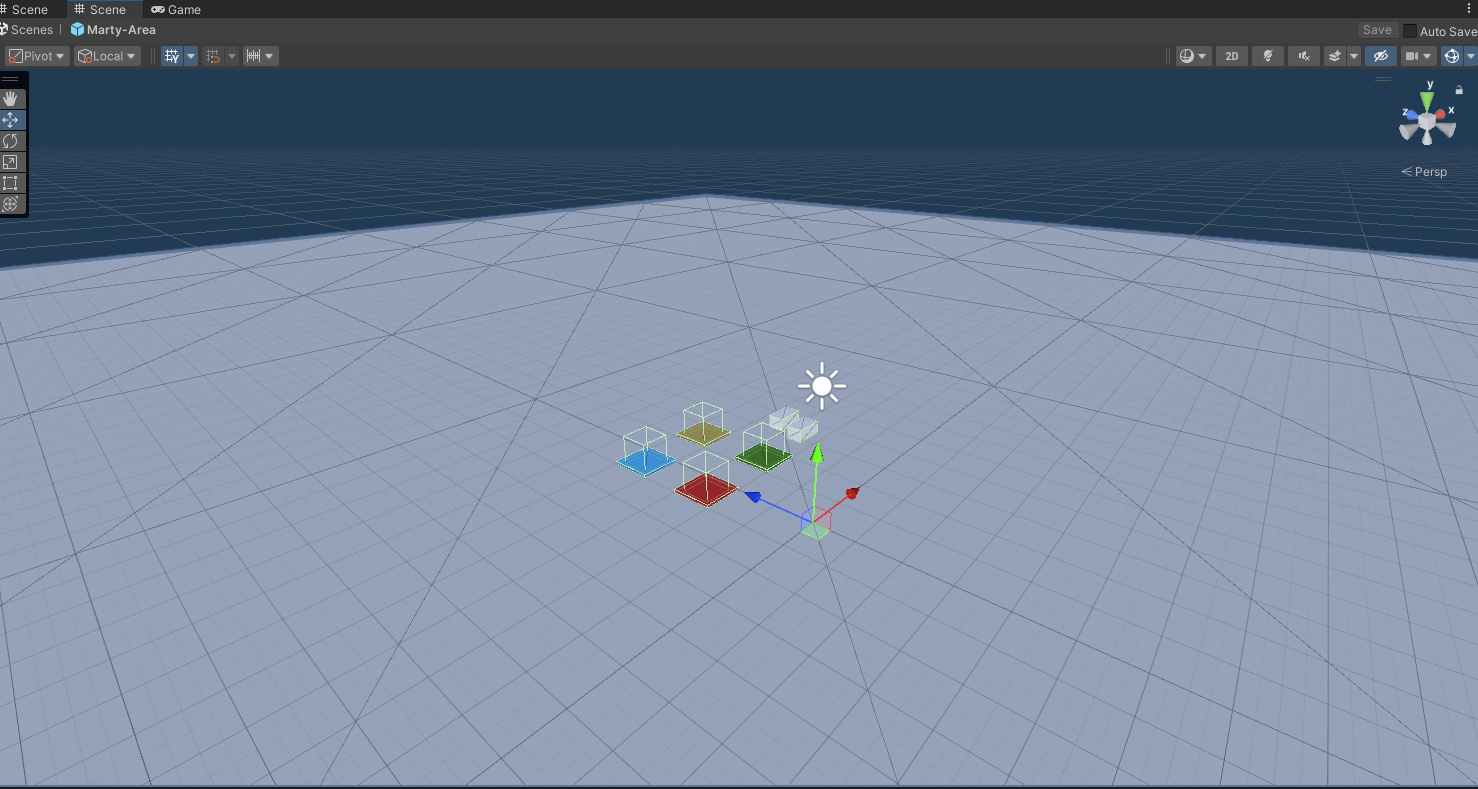
I started by making a player area where some of the pressure plates and grabble things would be placed.
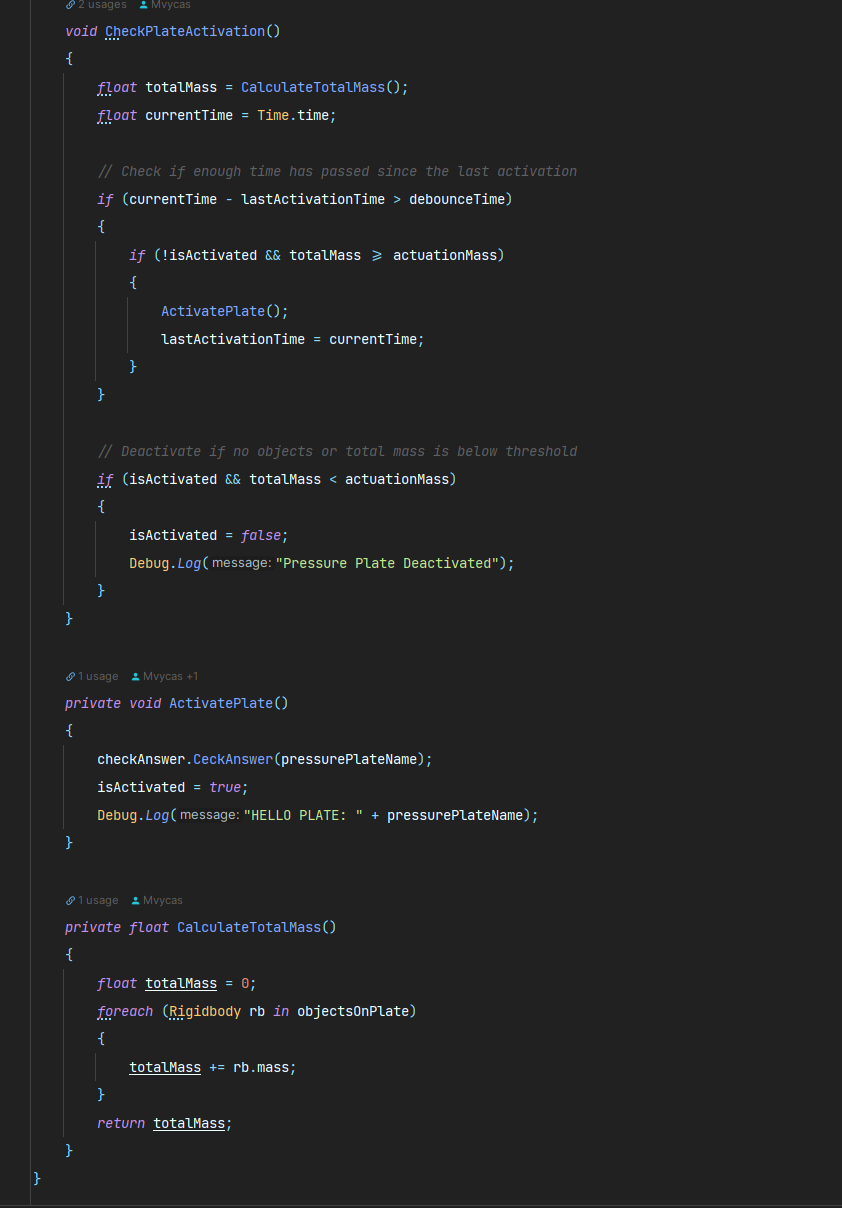
Setting up a script to make the plate’s behavior in order to submit the request to the gamelogic class.
There is a threshold checker in the script; in order to activate the pressure plate, you must place a specified amount of weight on it.
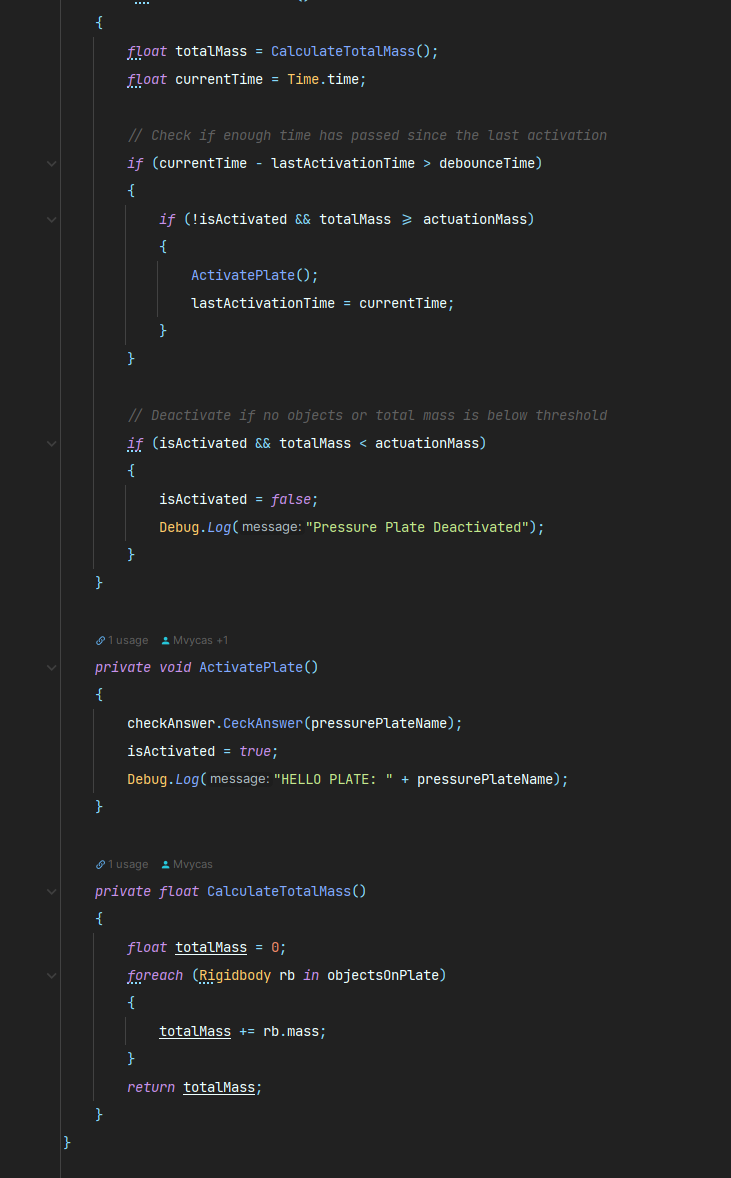
Within the ActivatePlate, a string message will be sent to the gamelogic function CeckAnswer in order to validate the quiz data again.
The message will be one of the four options.
Marian tasks
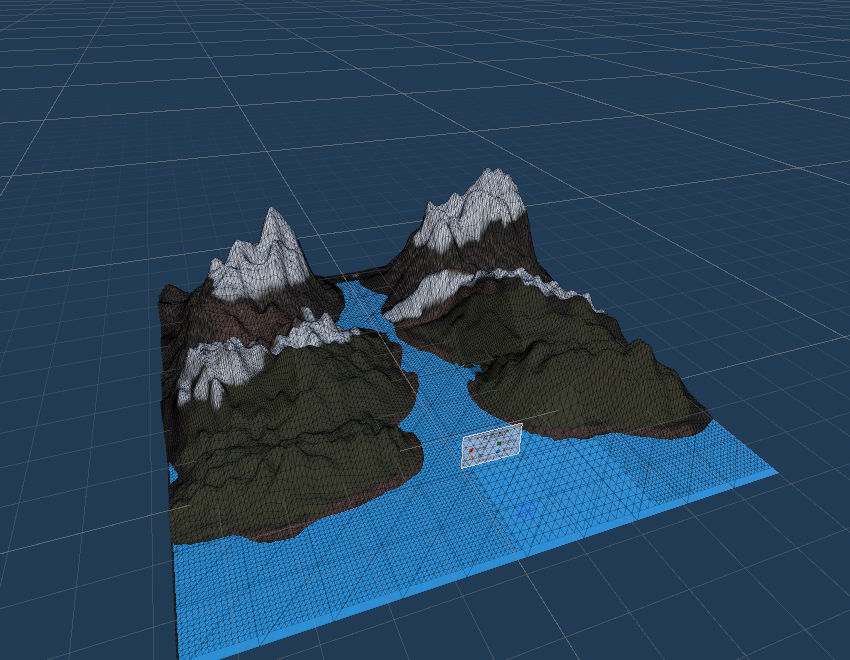
I worked on the environment and created a mountain view in the Unity Editor using the terrain tool.
In addition to painting the area with certain textures (grass/dirt/cliff/water/snow), I also painted a tree in the environment.
The other task completed was the creation of a fake Canvas that Adrian may later link using the logic.
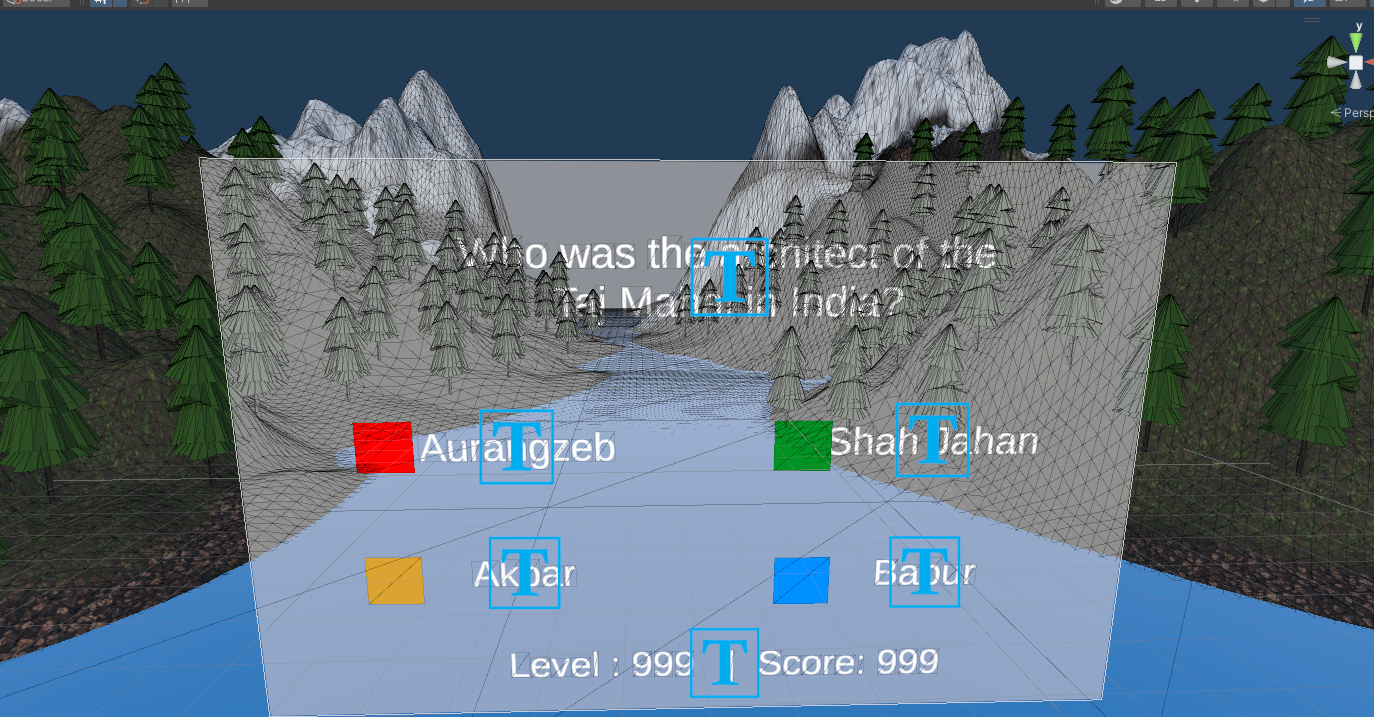
The canvas is connected using the JSON file’s issue.
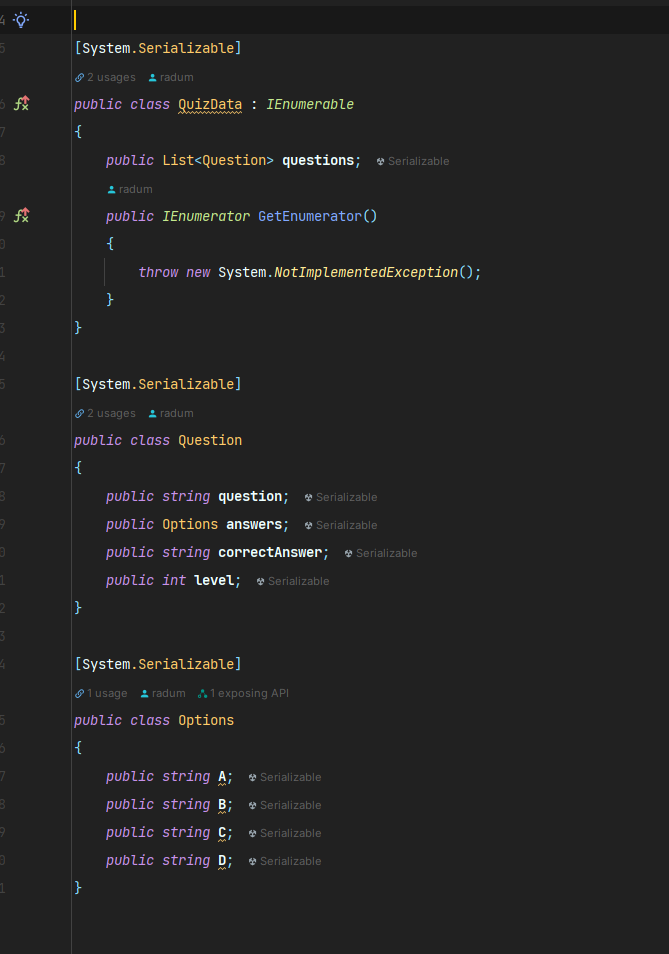
A QuizData class that is Serializable has been created in Unity in order to map all of the JSON data from the file.
And it will be used in the GetQuestions MonoBehavior script to load the data and display it on the CanvasUI.
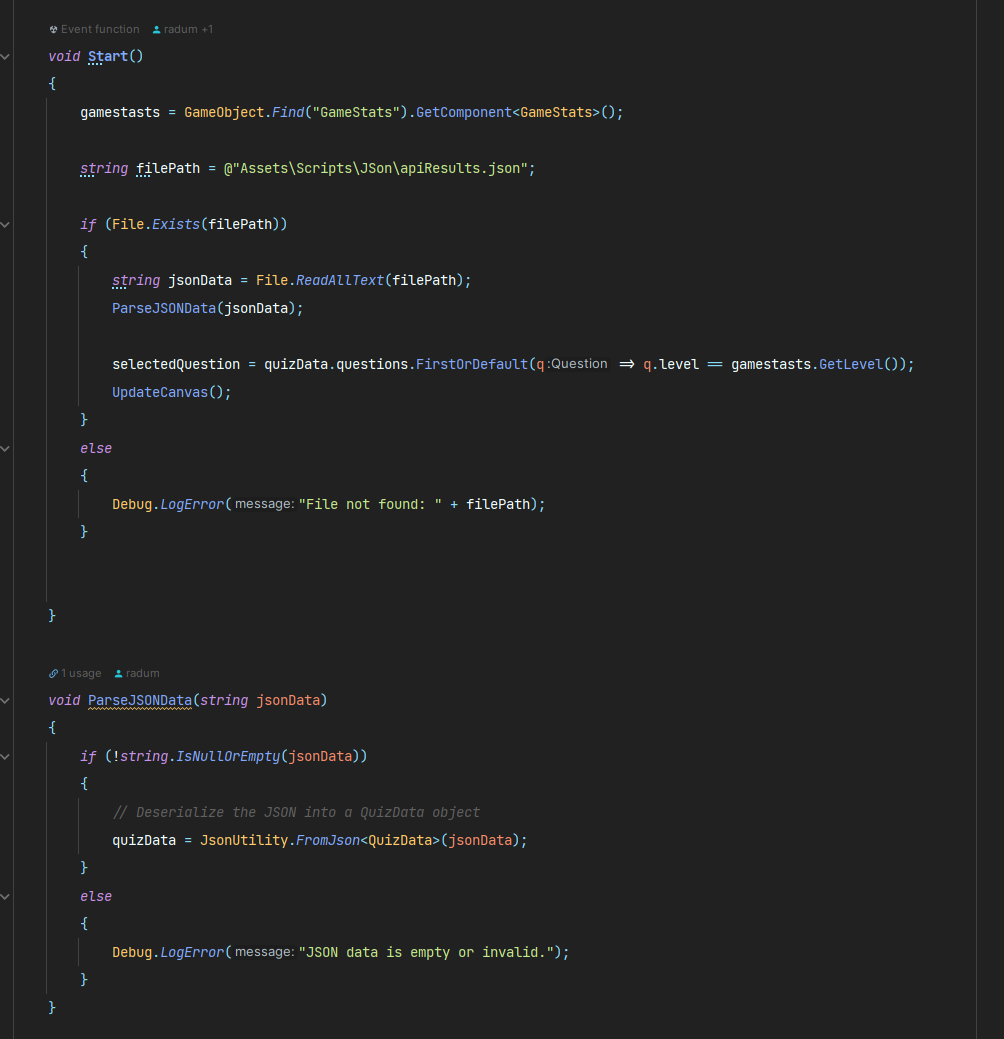
The JSON file with the ChatGPT questions will look like this: 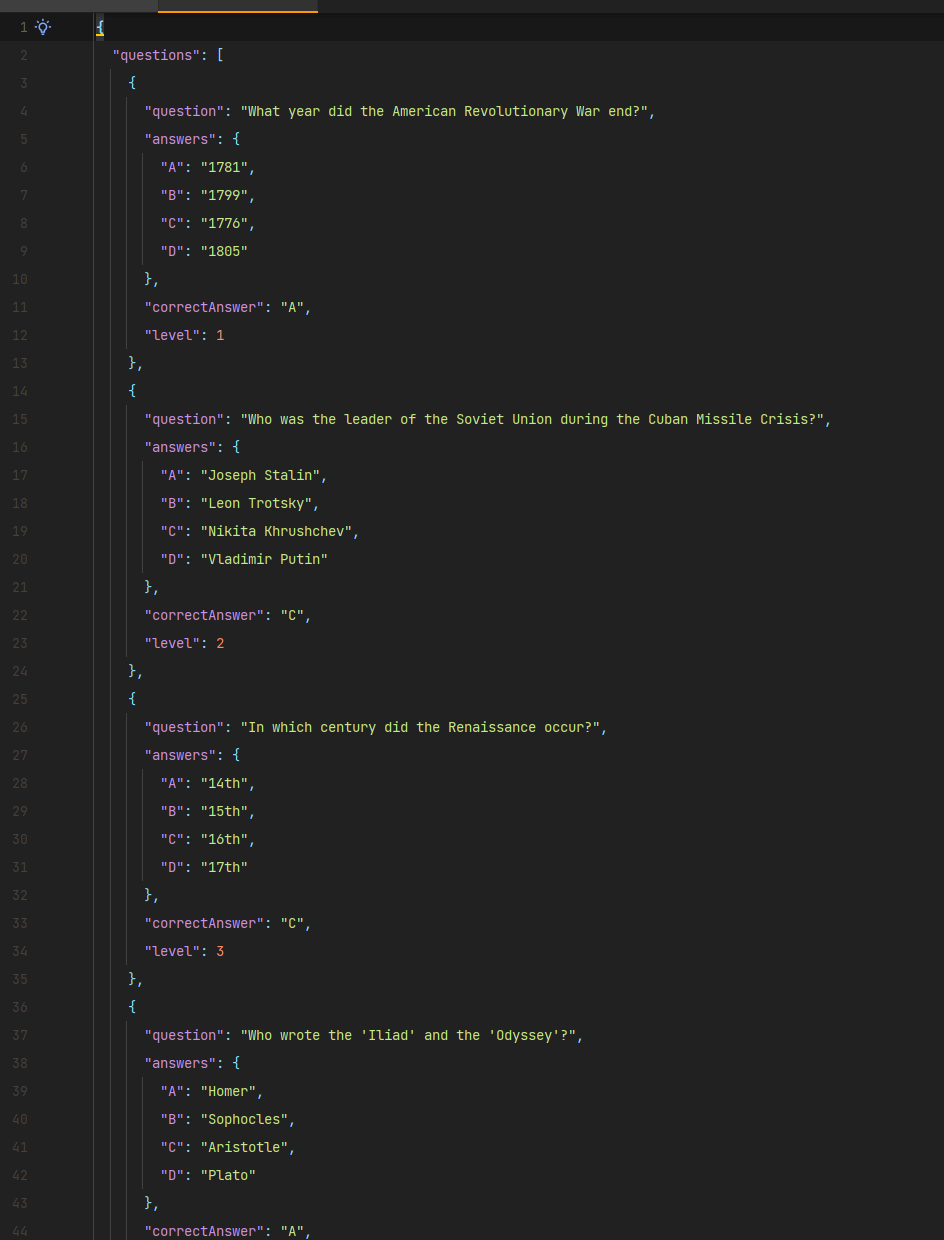
Adrian Tasks
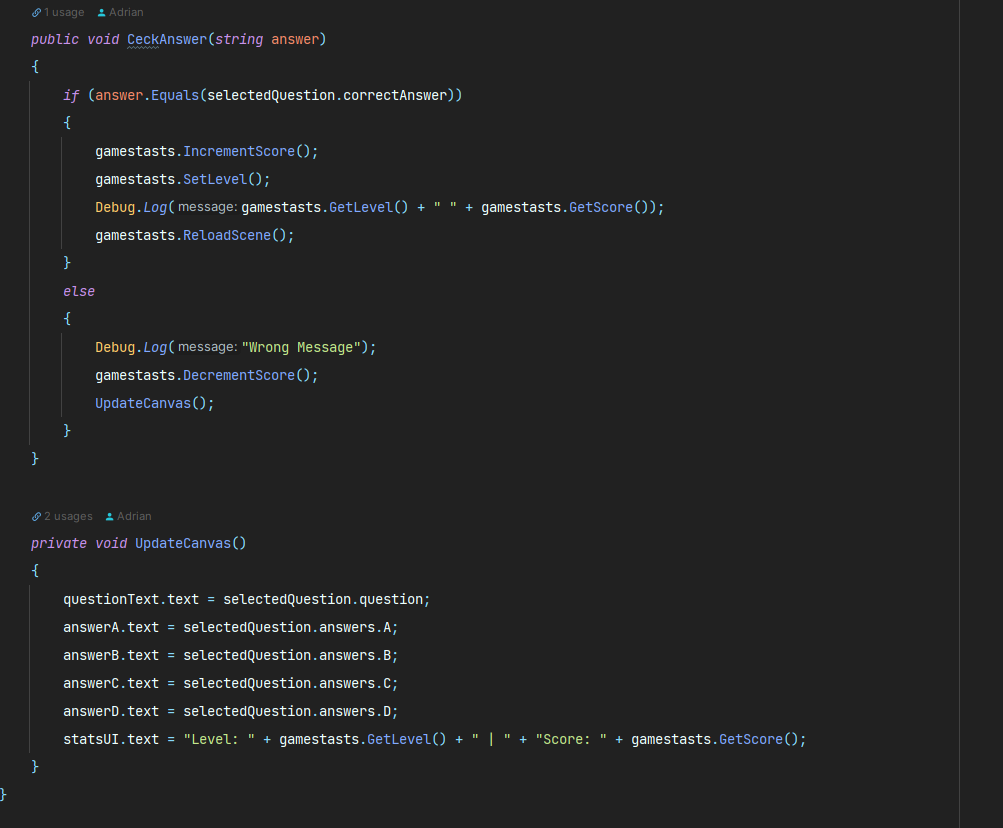
I’ve created a GameStats “global class” that will be present at all times when the scene is refreshed. I’ve put up “DontDestroyOnLoad(this.gameObject);” and several public methods such as ReloadScene, SetLevel, IncrementScore, DecrementScore, and so on that will be used later when the checker scire is created.
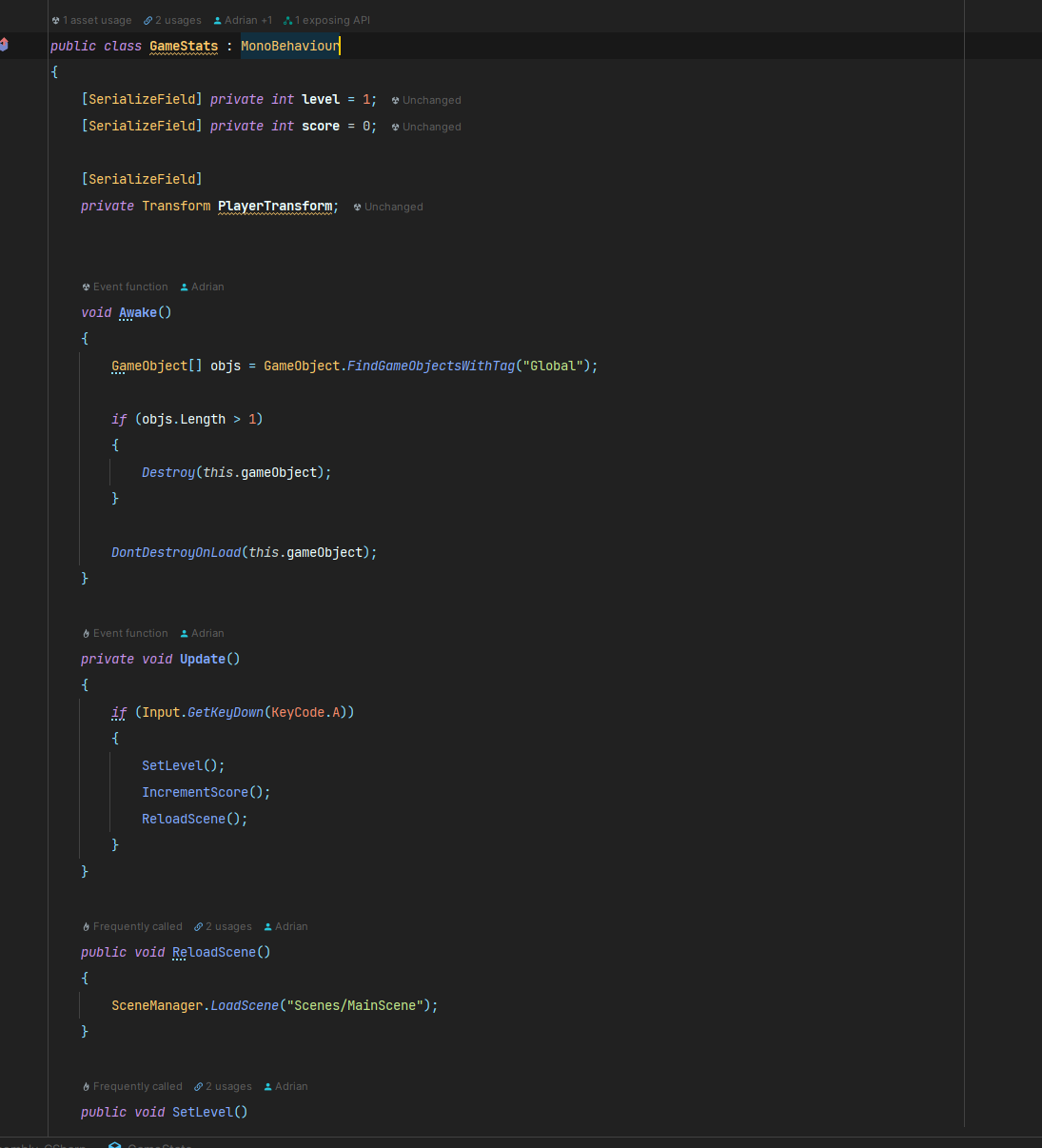
After Marian’s code was submitted to the master branch, I was able to work on game logic and displaying data on Canvas, as well as constructing a CheckAnswer method that would use the pressure plate provided by Marty to confirm that it is the correct response.